How to Close a Tab in Vim
To close a tab in vim, use :tabclose
Ally Piechowski · · 1 min read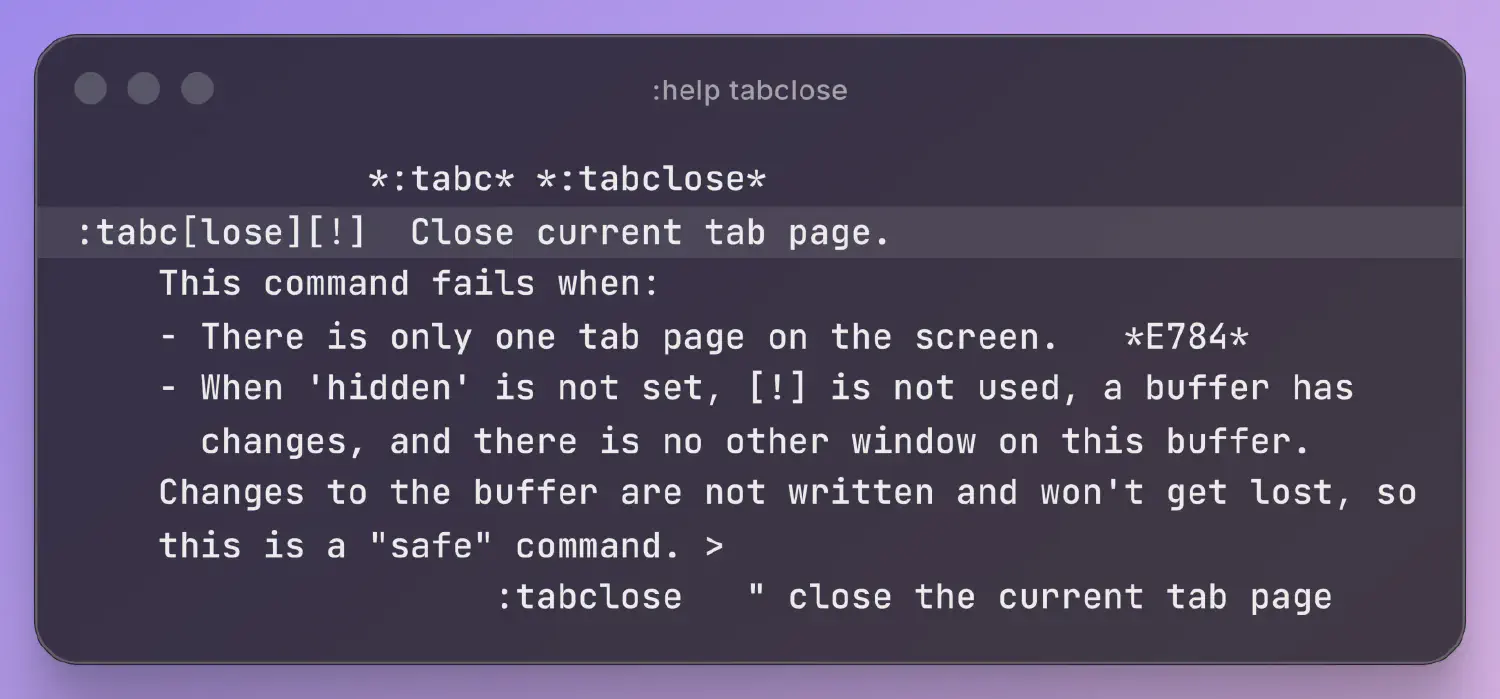
In order to close a tab in vim, in normal mode type :tabclose (or the shorthand :tabc).
This will close the current tab page and all of its windows.
If you only have one tab open, vim will give you an error. Use :q instead.
You can read more by typing :help tabclose, which outputs this message:
:tabc[lose][!]    Close current tab page.
        This command fails when:
        - There is only one tab page on the screen.
        - When 'hidden' is not set, [!] is not used, a buffer has
          changes, and there is no other window on this buffer.
        Changes to the buffer are not written and won't get lost, so
        this is a "safe" command. >
                    :tabclose   " close the current tab page
Looking to open a new tab instead? See How to Open a New Tab in Vim.